
Home / Guides
YT Saver guides
Nine practical guides on thumbnails, links and embedding. Each one is written to be followed with the YT Saver tool open beside it.
-
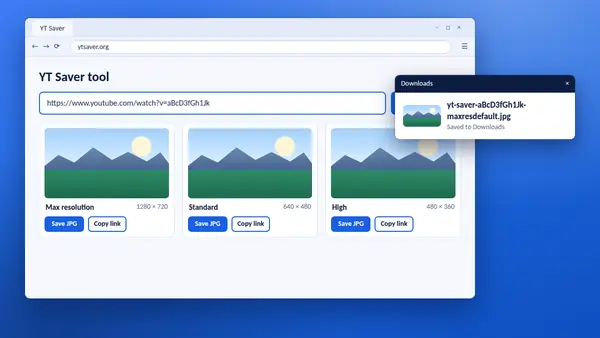
How to save a YouTube thumbnail with YT Saver
Paste a link, pick a size and save the image. The whole job takes a few seconds.
Read full guide -
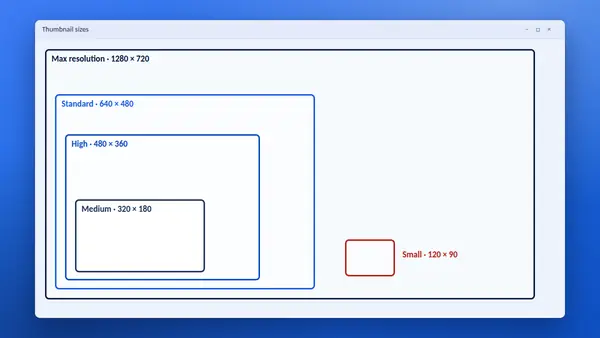
YouTube thumbnail sizes explained
What each stored size is called, where it is used and which one to choose.
Read full guide -
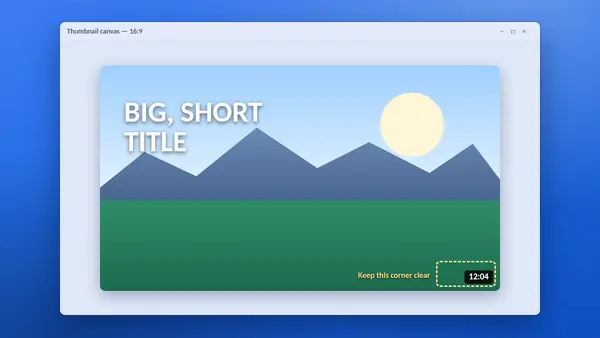
YouTube thumbnail size and specs for creators
The right shape, resolution and format for a custom thumbnail, plus design tips.
Read full guide -
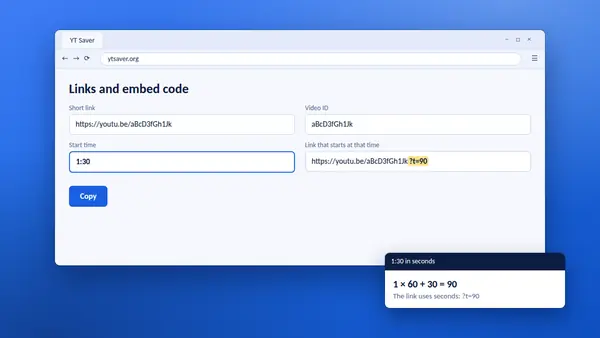
How to make a YouTube timestamp link
Share a video that starts at the exact moment you mean, built in one step.
Read full guide -
How to embed a YouTube video on your website
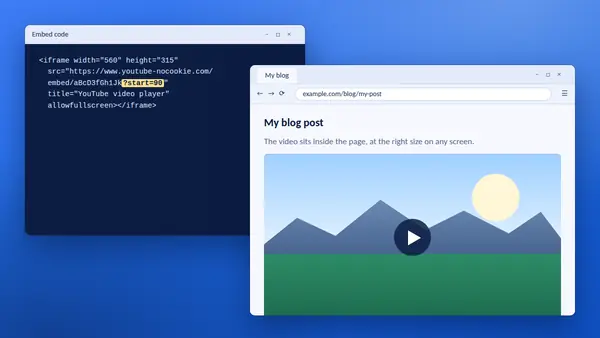
Copy clean embed code, add a start time and make the player fit any screen.
Read full guide -
How to find a YouTube video ID
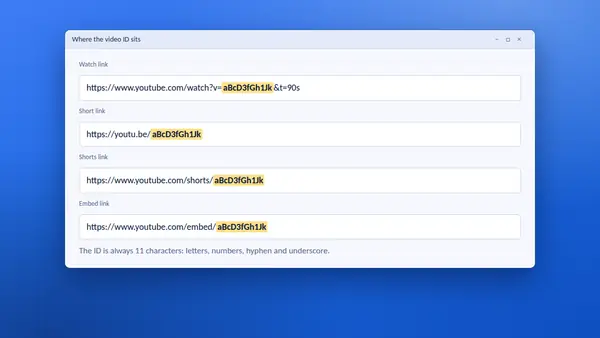
Where the 11-character code sits in every kind of link, and how to copy it in one click.
Read full guide -
Can you use YouTube thumbnails? Copyright basics
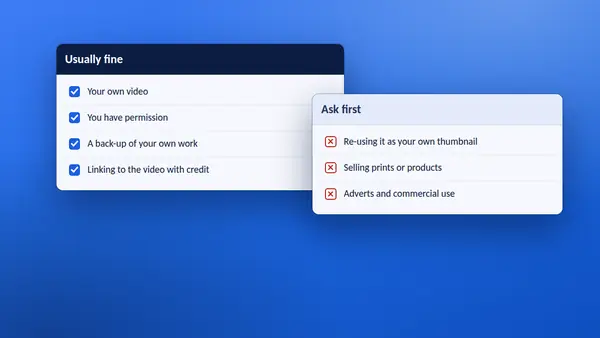
Who owns a thumbnail, when saving it is fine and when you should ask first.
Read full guide -
How to watch YouTube offline the official way
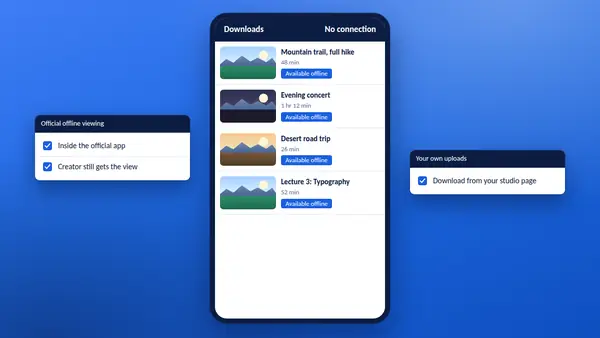
YT Saver does not download videos. These are the official ways to watch without a connection.
Read full guide -
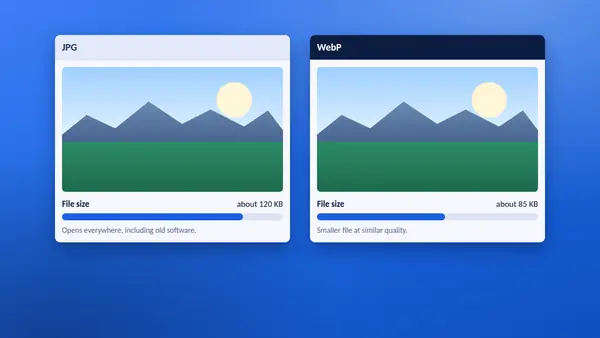
JPG vs WebP thumbnails: which format should you save?
JPG opens everywhere and WebP is smaller. Here is how to choose.
Read full guide
Ready to try it?
Paste a link and save a thumbnail in a few seconds.